

Start a new WhatsApp conversation
On HubSpot, go to the contact (or deal) page you’d like to send a message to. On the right side, you see all of the WhatsApp conversations associated with the contact (or deal). If WhatsApp’s 24-hour customer service window has expired or if you want to start a new WhatsApp conversation, you can only send a WhatsApp message template or a bot flow that you’ve created in advance.- Go to the contact (or deal) page.
- Scroll down on the right sidebar.
- Click Send message.
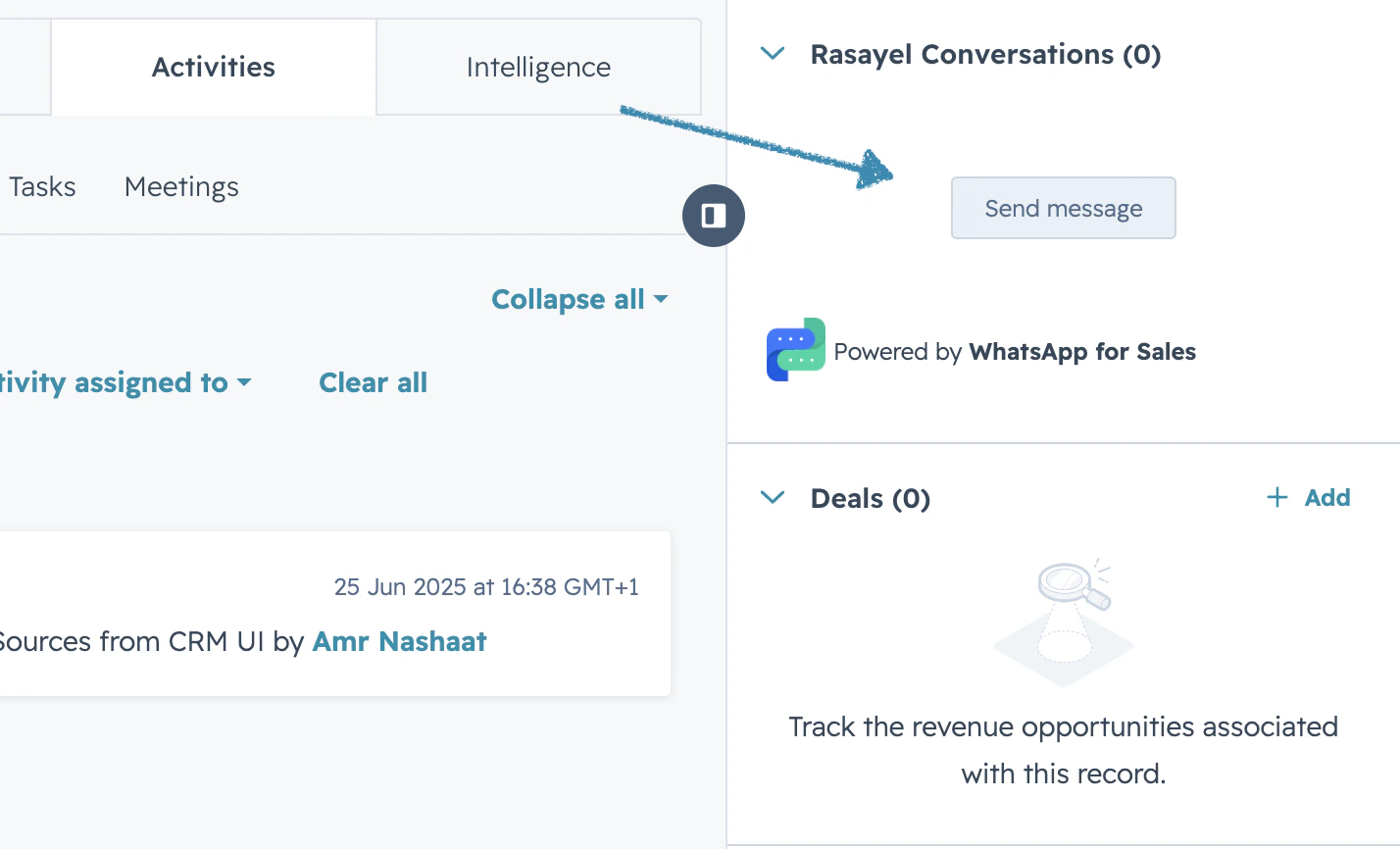
- Select the WhatsApp channel (number) you want to send a message from.
- Select the desired message template or bot flow.
- If the template has variables, fill in the variables and click Send message
- Type your message in the composer.
- Click Send. The message is sent.
Continue an existing WhatsApp conversation
If you already have a conversation with a customer that you’d like to continue, follow these steps:- Go to the contact (or deal) page you’d like to send a message to.
- On the right side, find the conversation you want to continue.
- Click Actions → Open conversation.
- Type any message or record a voice note or choose a file by clicking on the + sign.
- Click Send.