

- Go to Rasayel > Channels > WhatsApp.
- Click on Connect to WhatsApp.
- You’ll be redirected to Facebook. Log in with your personal Facebook Account.
- Click on Get started.
- Check the permissions and click on Continue.
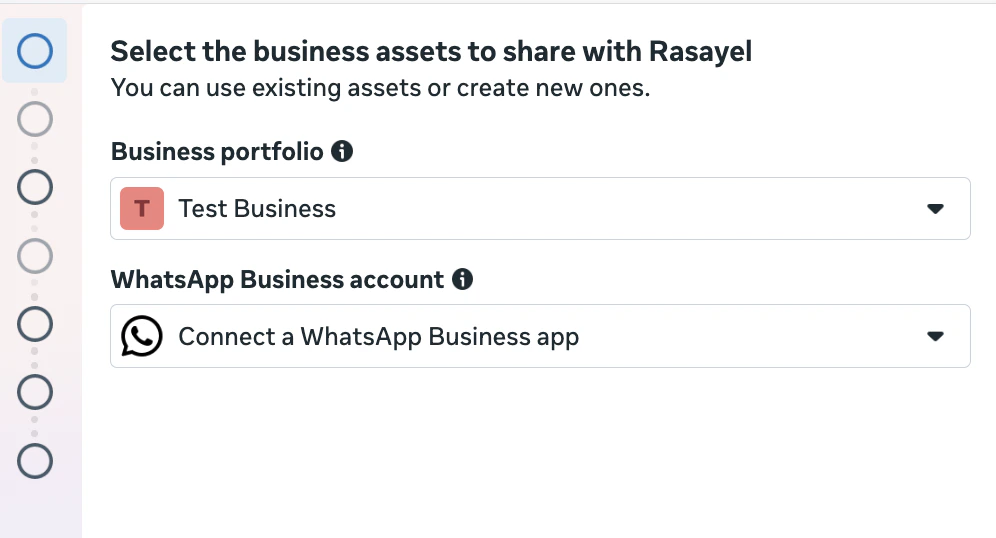
- Choose your existing Meta Business Portfolio from the first dropdown list. Choose Connect a WhatsApp Business app from the second dropdown list.
- Enter your WhatsApp Business app phone number
- On your phone look for a WhatsApp message from Facebook official Business account and tap Scan QR code
- If you want to sync your chat history to Rasayel click on Share chats. If you prefer not to sync WhatsApp Business app conversations to Rasayel, click on Don’t share chats
Getting started