> ## Documentation Index
> Fetch the complete documentation index at: https://docs.rasayel.io/llms.txt
> Use this file to discover all available pages before exploring further.
# Roles and permissions
### Roles
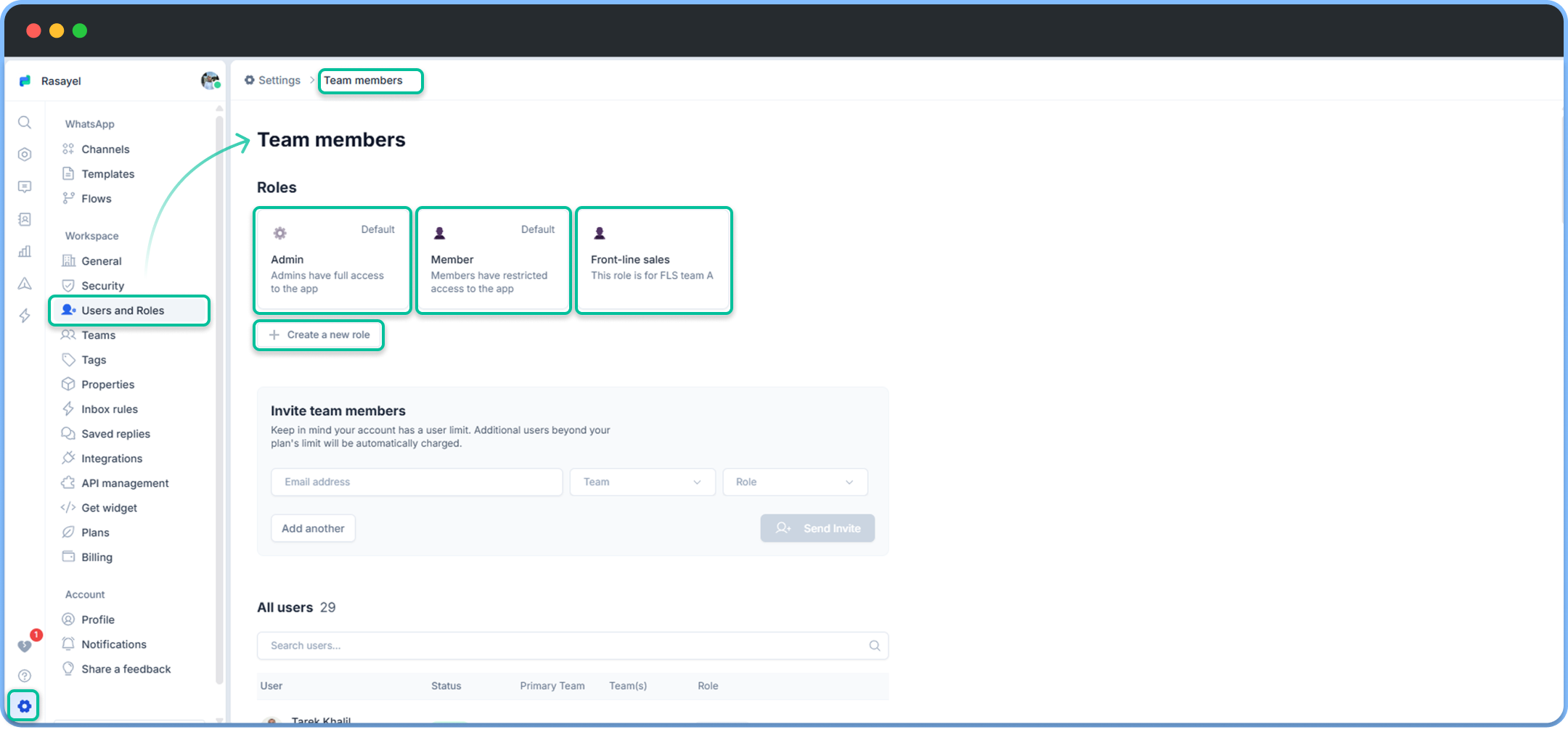
There are two pre-determined roles in Rasayel: *admin* and *member*. You may click on each one of them to view its permissions. You can also assign them to new members when inviting them to Rasayel. Additionally, you can customize a specific role, give it a name, and control its permissions.
 ### Permissions
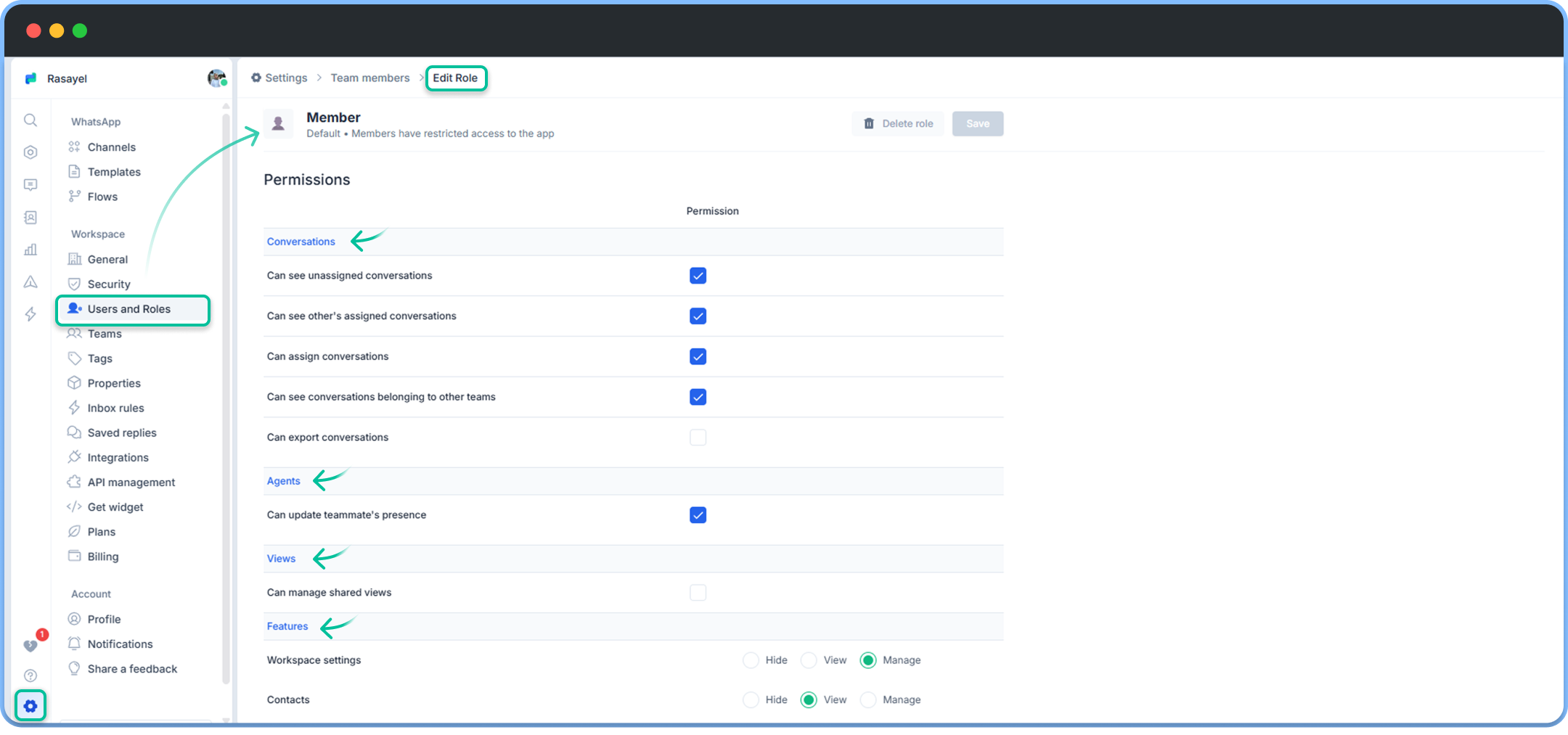
Rasayel offers multiple permission levels to ensure your team workflows are organized. Permission levels in Rasayel are offered on the grounds of conversations, agents, views, and features.
### Permissions
Rasayel offers multiple permission levels to ensure your team workflows are organized. Permission levels in Rasayel are offered on the grounds of conversations, agents, views, and features.