> ## Documentation Index
> Fetch the complete documentation index at: https://docs.rasayel.io/llms.txt
> Use this file to discover all available pages before exploring further.
# Contact & conversation search
### Contact
You can search for contacts using the search bar located above the conversation list. You have the option to search by name or phone number.
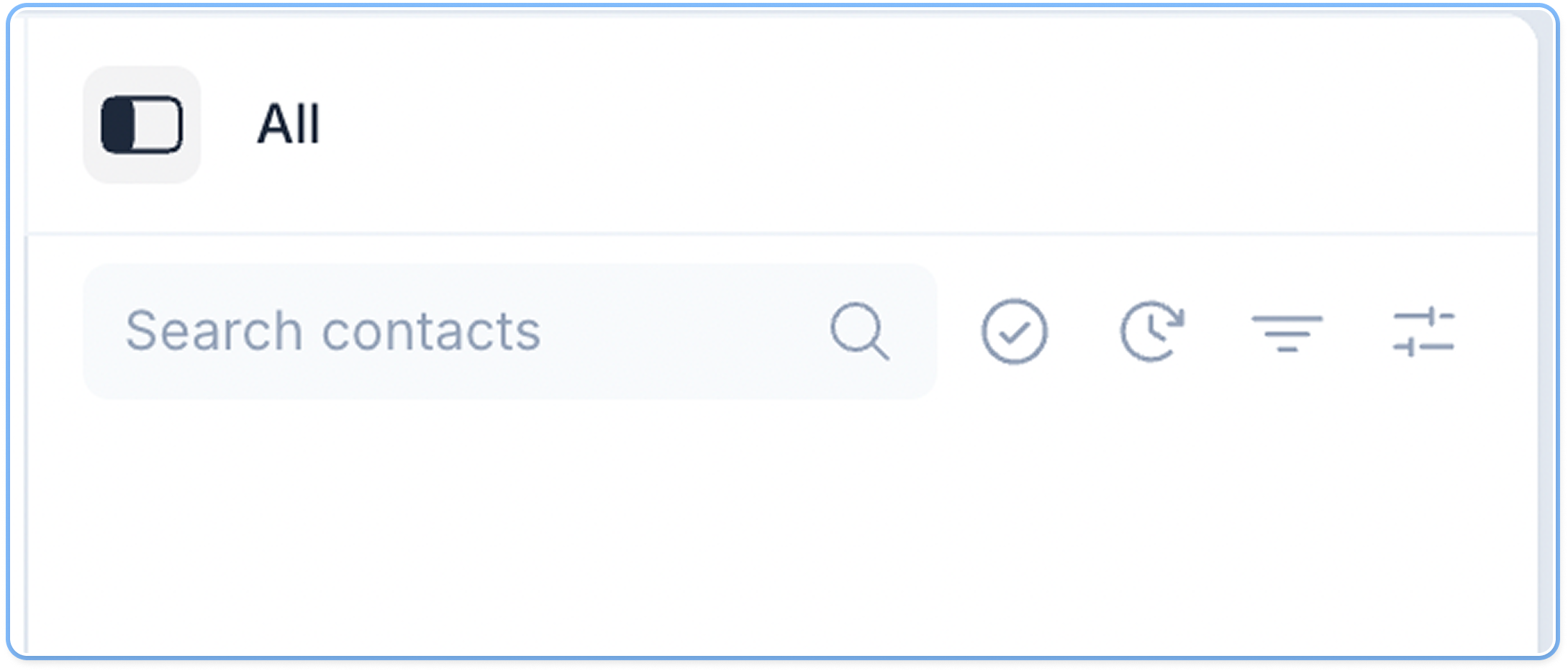 Also, keep in mind that search results may vary based on your conversation filters. For instance, if you are looking for closed conversations, navigate to the **Solved Conversations inbox**.
### **Conversation**
Also, keep in mind that search results may vary based on your conversation filters. For instance, if you are looking for closed conversations, navigate to the **Solved Conversations inbox**.
### **Conversation**
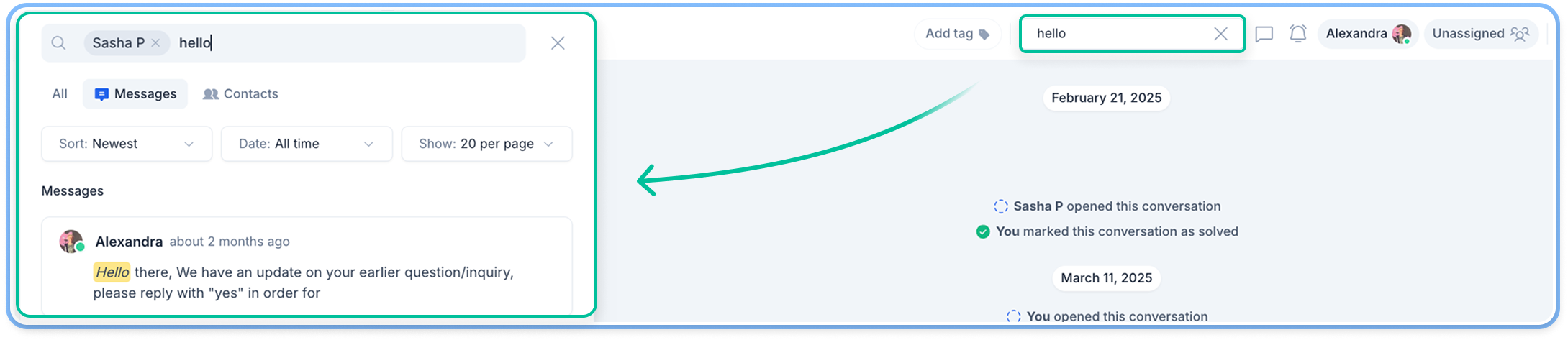 You can search for keywords inside a selected conversation. Click the magnifying icon at the top right corner and type the word you are looking for. Hit `Enter`, and the results will appear on the left side of your screen.
By clicking each of the results, you can view every message in that conversation that contains the word you searched for. Clicking a message in the results takes you to this exact message in the conversation history.
You can search for keywords inside a selected conversation. Click the magnifying icon at the top right corner and type the word you are looking for. Hit `Enter`, and the results will appear on the left side of your screen.
By clicking each of the results, you can view every message in that conversation that contains the word you searched for. Clicking a message in the results takes you to this exact message in the conversation history.