> ## Documentation Index
> Fetch the complete documentation index at: https://docs.rasayel.io/llms.txt
> Use this file to discover all available pages before exploring further.
# Assignments
You can use the assignment feature to ensure the right person and team handles a conversation. A conversation can be assigned to a team member, a team, or both at the same time. It can also be unassigned. The assignment of a conversation appears on the top right side of your inbox.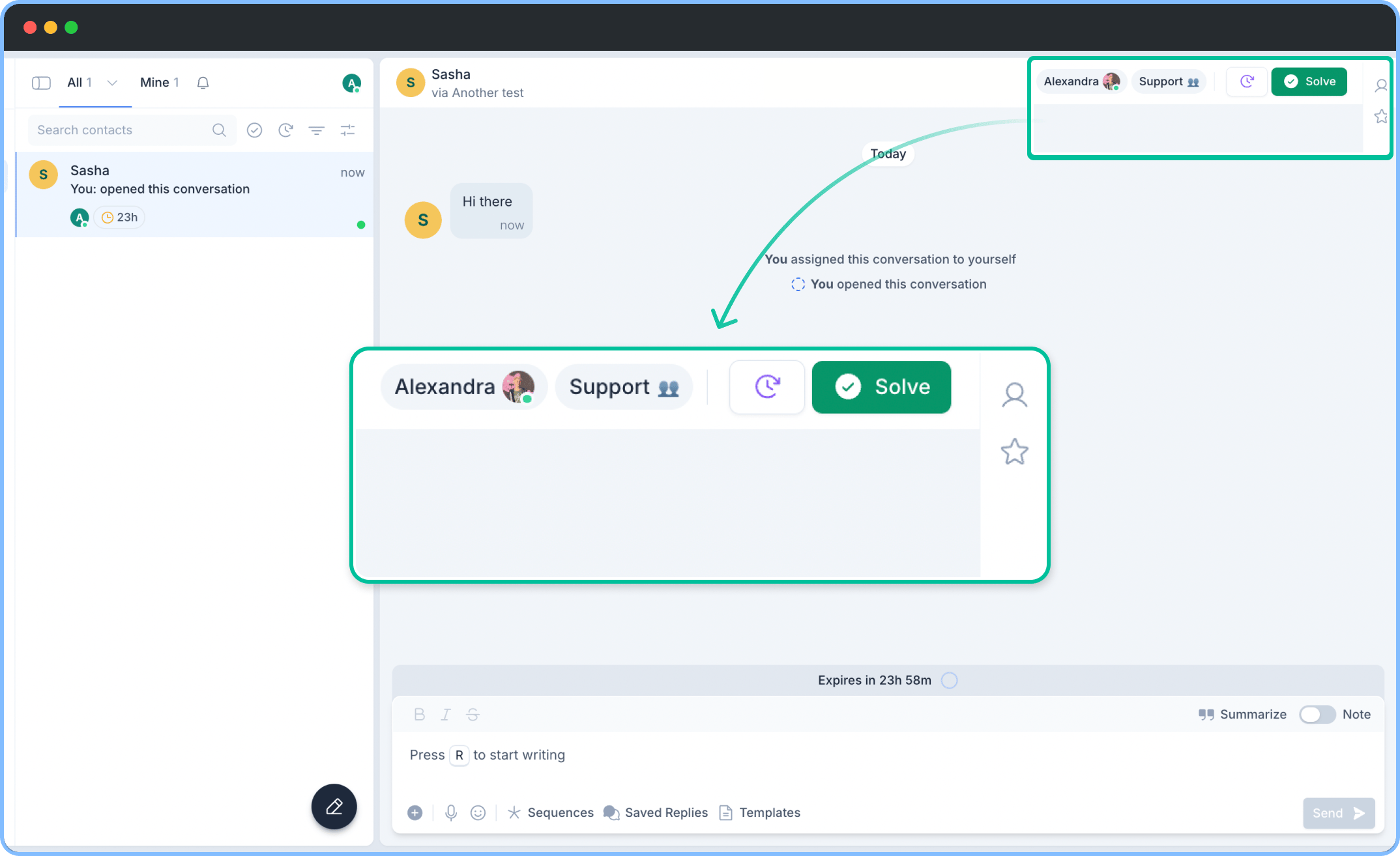 Depending on the team members role and permissions, they can manage the assignments.
You can manually or automatically assign a conversation to a certain team member or to a team.
### Manual assignment
To change the assignment of a conversation to a specific person or team, follow these steps:
1. Select the conversation you want to change the assignment for.
2. Click on the assignment button on the top right side.
3. A drop-down menu appears. Select a teammate or a team you want to assign the conversation to.
**Important:** Sending a reply to an unassigned conversation will assign it to the sender automatically.
### Automatic assignment rule
You can create rules to automatically assign conversations based on specific conditions. Here’s how to do it:
1. Go to **Settings**.
2. Click **Inbox Rules**.
3. Click **New Rule**.
4. Name your rule (e.g., "Assignment Rule").
5. Under **When**, select "A customer starts a new conversation".
6. Under **If**, click **+ Condition** and set criteria (e.g., phone number starting with 97).
7. Under **Then**, click **+ Action** and define the assignment (e.g., assign to a specific team).
8. Click **Save**.
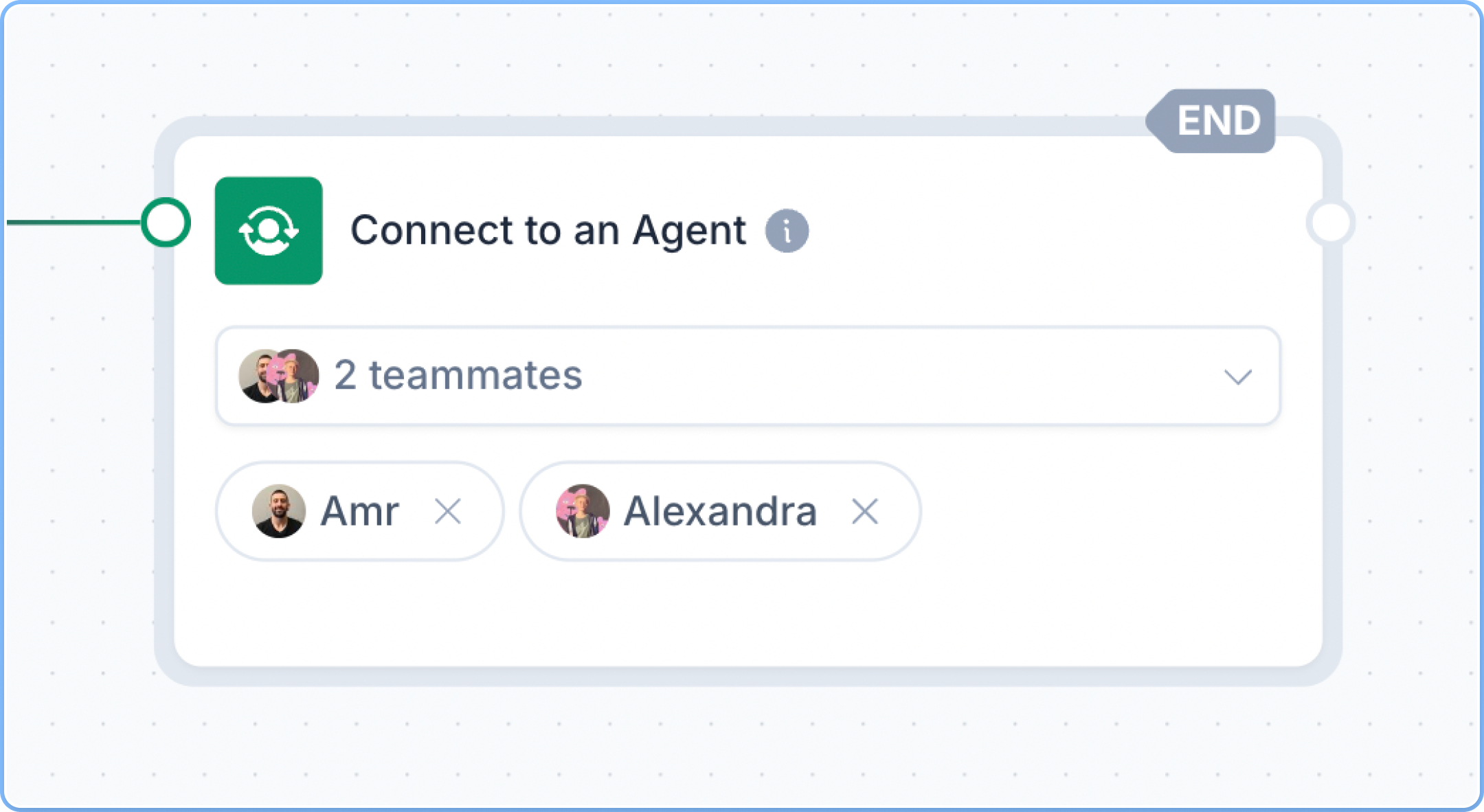
It is also possible to use chatbots to assign conversations automatically to one or multiple agents as well as to teams. Learn more about chatbots here.
Depending on the team members role and permissions, they can manage the assignments.
You can manually or automatically assign a conversation to a certain team member or to a team.
### Manual assignment
To change the assignment of a conversation to a specific person or team, follow these steps:
1. Select the conversation you want to change the assignment for.
2. Click on the assignment button on the top right side.
3. A drop-down menu appears. Select a teammate or a team you want to assign the conversation to.
**Important:** Sending a reply to an unassigned conversation will assign it to the sender automatically.
### Automatic assignment rule
You can create rules to automatically assign conversations based on specific conditions. Here’s how to do it:
1. Go to **Settings**.
2. Click **Inbox Rules**.
3. Click **New Rule**.
4. Name your rule (e.g., "Assignment Rule").
5. Under **When**, select "A customer starts a new conversation".
6. Under **If**, click **+ Condition** and set criteria (e.g., phone number starting with 97).
7. Under **Then**, click **+ Action** and define the assignment (e.g., assign to a specific team).
8. Click **Save**.
It is also possible to use chatbots to assign conversations automatically to one or multiple agents as well as to teams. Learn more about chatbots here.
 ### HubSpot ownership conversation assignment
If your workspace is integrated with HubSpot, you can automatically assign new conversations to the correct owners in HubSpot. Additionally, you can configure ownership based on **Inbound** and **Outbound** messages to ensure efficient routing of customer inquiries. More about it here.
### HubSpot ownership conversation assignment
If your workspace is integrated with HubSpot, you can automatically assign new conversations to the correct owners in HubSpot. Additionally, you can configure ownership based on **Inbound** and **Outbound** messages to ensure efficient routing of customer inquiries. More about it here.