> ## Documentation Index
> Fetch the complete documentation index at: https://docs.rasayel.io/llms.txt
> Use this file to discover all available pages before exploring further.
# Filtering
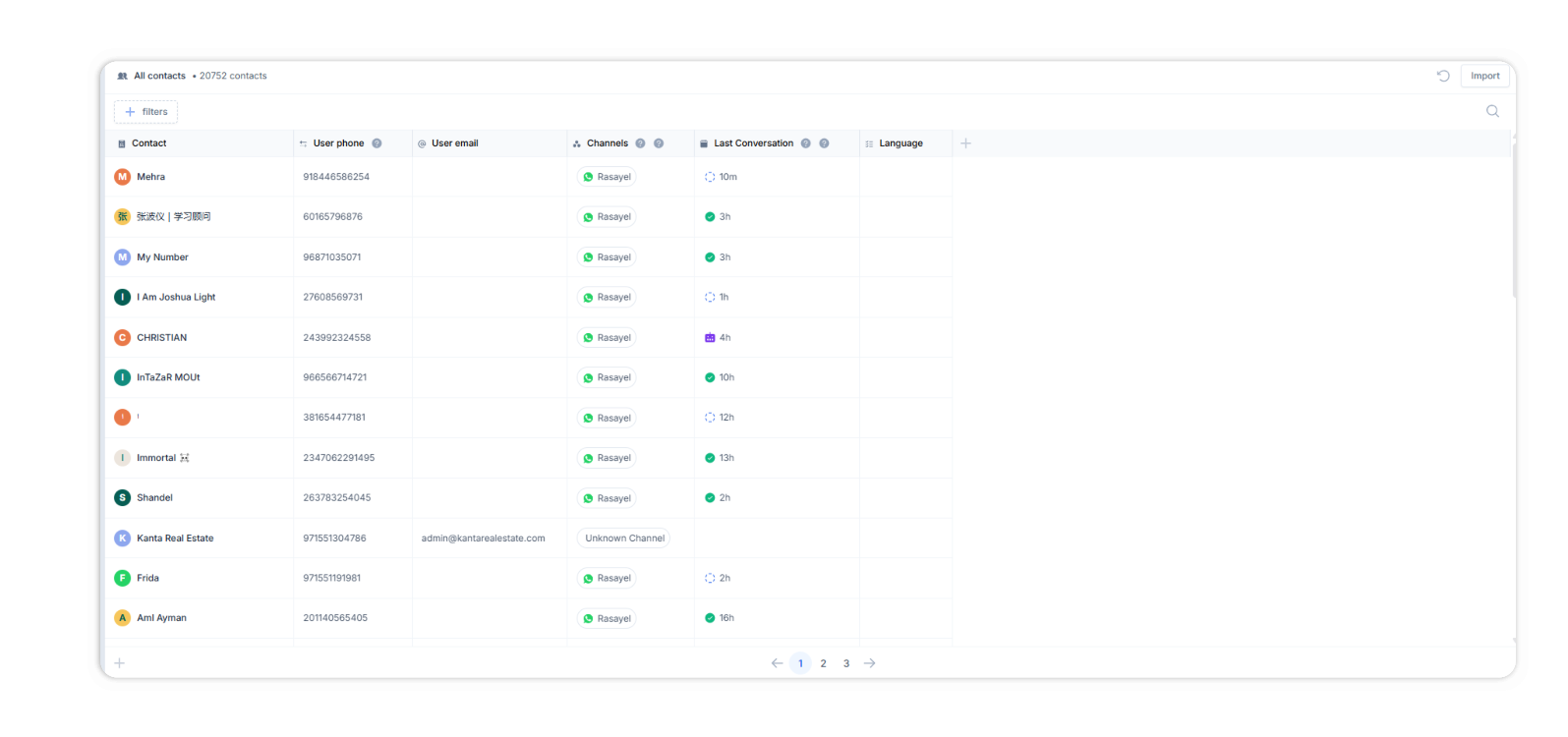
To filter contacts in Rasayel, go to the contacts page and click on **Filters** to see all the available filters. You can also create your own properties and filter using these.
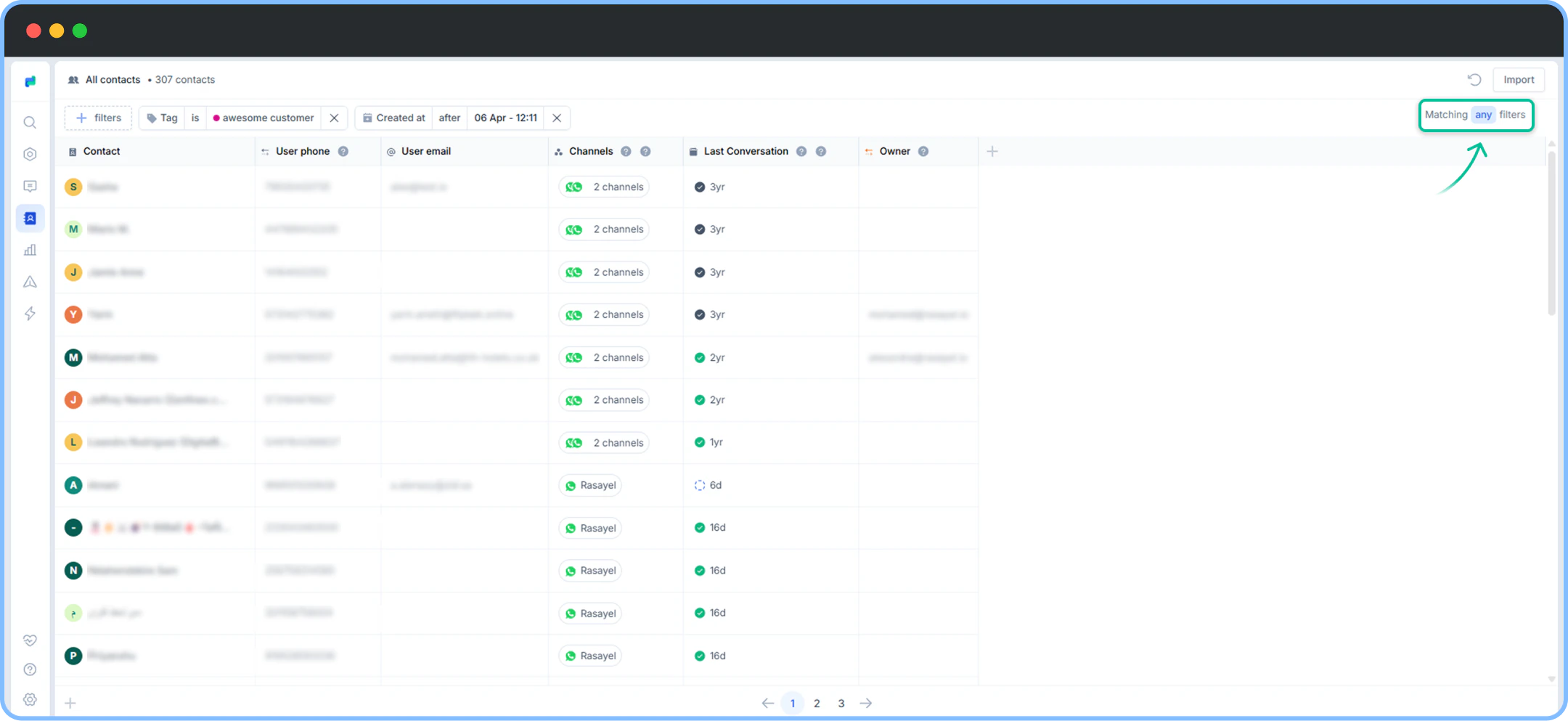
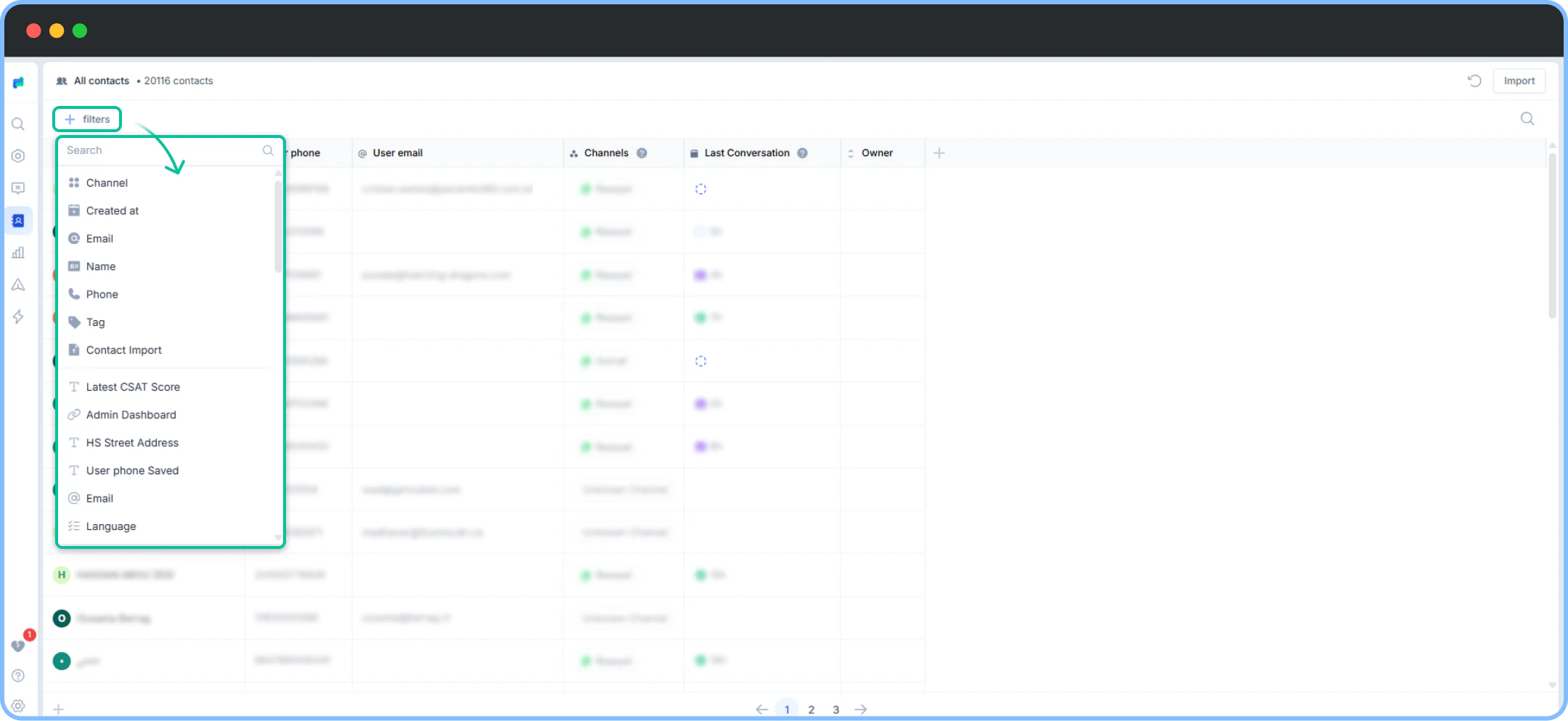 You can select multiple filters and customize your search results based on your preferences. By tapping **ALL** or **ANY** filters, you can control whether you want to view results that match all of the selected filters or any of them.
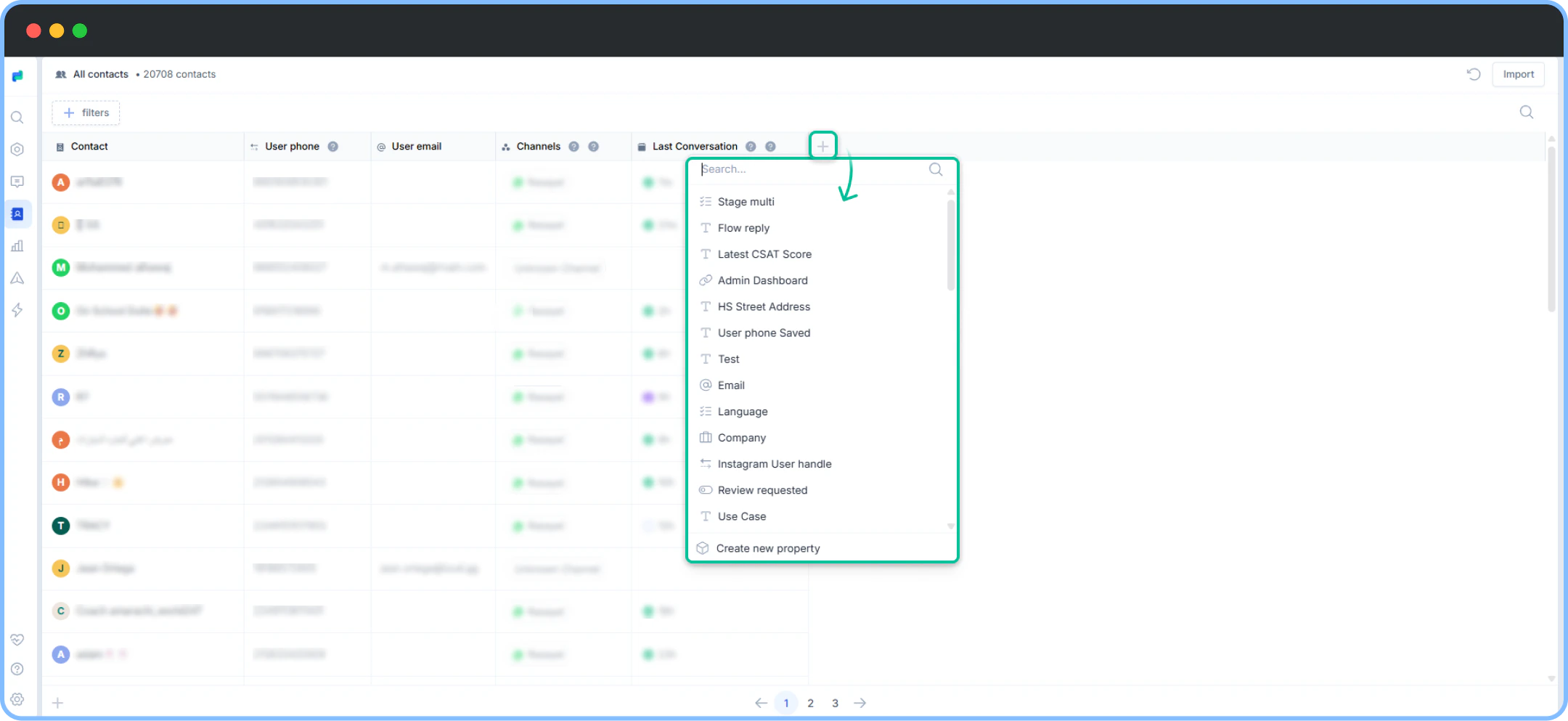 You may also add a column in your all contacts page, using one of the Properties
 You can also search for a contact from the contact page using the search-bar in the top right corner. You can type in the user’s phone number, email or display name. You can even look up your customer using their tag in Rasayel.